 a93521b87f
# 🏢 Multi-Org Domain Tracking System ## 🎯 Problem Statement Users with access to multiple Appsmith organizations often forget the exact domain names of their different workspaces (e.g., `company1.appsmith.com`, `team2.appsmith.com`). This creates friction during login as users need to remember or guess the specific subdomain for each organization they belong to. ## ✨ Solution Overview This PR implements a lightweight domain tracking system that remembers the organization domains users have successfully accessed in the last 30 days. When users visit `login.appsmith.com` or signup pages, they can see and quickly navigate to their recently visited organizations. ## 🏗️ Technical Approach ### Why Cookies Over localStorage? We chose **cookies with `.appsmith.com` domain** over localStorage for the following critical reasons: | Feature | Cookies | localStorage | Winner | |---------|---------|--------------|--------| | Cross-subdomain access | ✅ `.appsmith.com` | ❌ Origin-specific | 🍪 Cookies | | Built-in expiration | ✅ 30-day TTL | ❌ Manual cleanup | 🍪 Cookies | | Storage requirements | ✅ Small domains only | ✅ Large capacity | 🤝 Both adequate | | Browser support | ✅ Universal | ✅ Universal | 🤝 Both good | ### 🛠️ Implementation Details #### Core Utility (`utils/multiOrgDomains.ts`) ```typescript // Key configuration: const COOKIE_NAME = "appsmith_recent_domains"; const EXPIRY_DAYS = 30; const MAX_DOMAINS = 10; interface DomainEntry { domain: string; // e.g., "company.appsmith.com" timestamp: number; // Unix timestamp } ``` #### 📊 Domain Tracking Logic - **⏰ When**: Automatically triggered when users successfully reach `/applications` page - **📝 What**: Current domain (e.g., `company.appsmith.com`) + timestamp - **🔍 Filtering**: Only tracks multi-org domains (excludes `login.appsmith.com`) - **🔄 Deduplication**: Prevents duplicate entries, moves existing domains to top ## Automation /ok-to-test tags="@tag.Authentication, @tag.Sanity" ### 🔍 Cypress test results <!-- This is an auto-generated comment: Cypress test results --> > [!TIP] > 🟢 🟢 🟢 All cypress tests have passed! 🎉 🎉 🎉 > Workflow run: <https://github.com/appsmithorg/appsmith/actions/runs/15676451597> > Commit: 935ccef2d320e5c7641b1bd31c39d69068259914 > <a href="https://internal.appsmith.com/app/cypress-dashboard/rundetails-65890b3c81d7400d08fa9ee5?branch=master&workflowId=15676451597&attempt=1" target="_blank">Cypress dashboard</a>. > Tags: `@tag.Authentication, @tag.Sanity` > Spec: > <hr>Mon, 16 Jun 2025 09:43:36 UTC <!-- end of auto-generated comment: Cypress test results --> ## Communication Should the DevRel and Marketing teams inform users about this change? - [ ] Yes - [ ] No <!-- This is an auto-generated comment: release notes by coderabbit.ai --> ## Summary by CodeRabbit - **New Features** - Introduced tracking and display of recently visited organization domains for users, allowing quick access to previously signed-in organizations. - Added a section in the sign-up page to show recent domains with organization names and direct login options. - **Enhancements** - Improved messaging related to user sign-in and account status. - Enabled multi-organization domain tracking on the applications page for better domain management. - **Chores** - Updated internal messaging constants for consistency and future use. <!-- end of auto-generated comment: release notes by coderabbit.ai --> |
||
|---|---|---|
| .cursor | ||
| .github | ||
| app | ||
| contributions | ||
| deploy | ||
| scripts | ||
| static | ||
| .coderabbit.yaml | ||
| .deepsource.toml | ||
| .editorconfig | ||
| .env.example | ||
| .gitignore | ||
| .imgbotconfig | ||
| .nojekyll | ||
| app.json | ||
| appsmith_events.md | ||
| appsmith_templates.md | ||
| ci-debug.sh | ||
| CODE_OF_CONDUCT.md | ||
| CODEOWNERS | ||
| CONTRIBUTING.md | ||
| depot.json | ||
| Dockerfile | ||
| heroku.yml | ||
| IssuesReport.md | ||
| LICENSE | ||
| README.md | ||
| SECURITY.md | ||






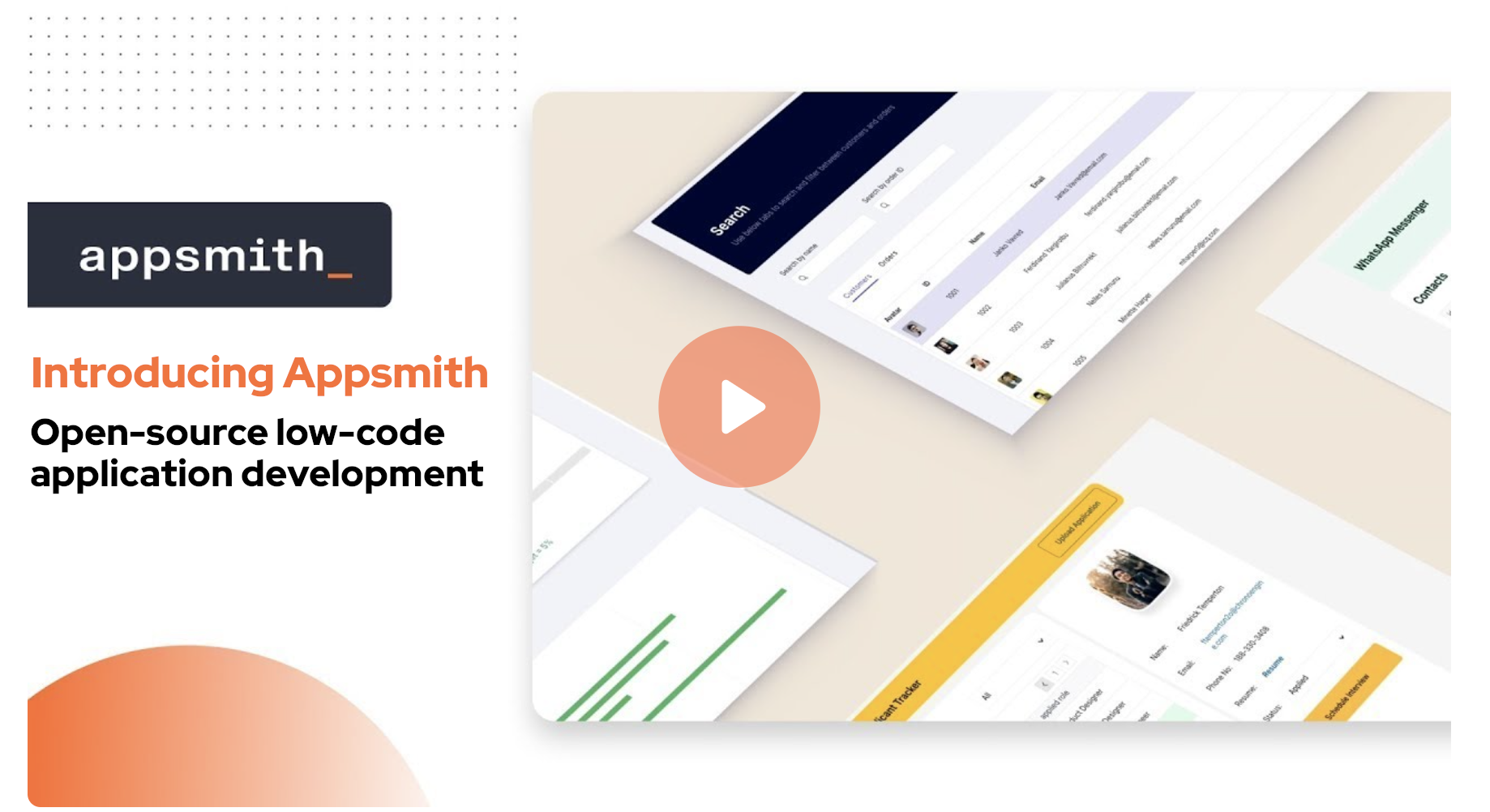
Organizations build custom applications like dashboards, admin panels, customer 360, IT automation, and service management tools to help their teams work more efficiently and effectively. Appsmith is an open-source low-code platform that streamlines custom application development, deployment, and maintenance. Learn more on our website.
Installation
There are two ways to start using Appsmith:
- Signup on Appsmith Cloud.
- Install Appsmith on your machine. See the installation guides below.
| Installation Methods | Documentation |
|---|---|
 |
Docker (Recommended) |
 |
Kubernetes |
 |
AWS AMI |
For other deployment options, see the Installation Guides documentation.
Development
To build and run Appsmith in your local dev environment, see Setup for local development.
Learning Resources
Need Help?
Appsmith Agents
Introducing a new agentic AI platform that integrates the latest AI models with private and proprietary data at scale — inside the tools and systems that teams use every day. Appsmith Agents expands generative AI’s capabilities for the millions of knowledge workers in sales, support, customer success, human resources, and other business teams. By giving continuous context to AI models, Appsmith Agents lets teams ask questions and configure automations specific to their business without model fine-tuning or complex RAG implementations. Visit appsmith.com/ai to learn more.
Contributing
We ❤️ our contributors. We're committed to fostering an open, welcoming, and safe environment in the community.
📕 We expect everyone participating in the community to abide by our Code of Conduct. Please read and follow it.
🤝 If you'd like to contribute, start by reading our Contribution Guide.
👾 Explore some good first issues.
Let's build great software together.
Top Contributors


License
Appsmith is licensed under the terms of Apache License 2.0.