 4f21580471
## Description Updating the styles for JS settings popover Fixes #40657 ## Automation /ok-to-test tags="@tag.JS" ### 🔍 Cypress test results <!-- This is an auto-generated comment: Cypress test results --> > [!TIP] > 🟢 🟢 🟢 All cypress tests have passed! 🎉 🎉 🎉 > Workflow run: <https://github.com/appsmithorg/appsmith/actions/runs/15045634120> > Commit: 0346eec44945dee8b0a98ece911e23f36709c5b2 > <a href="https://internal.appsmith.com/app/cypress-dashboard/rundetails-65890b3c81d7400d08fa9ee5?branch=master&workflowId=15045634120&attempt=1" target="_blank">Cypress dashboard</a>. > Tags: `@tag.JS` > Spec: > <hr>Thu, 15 May 2025 13:49:10 UTC <!-- end of auto-generated comment: Cypress test results --> ## Communication Should the DevRel and Marketing teams inform users about this change? - [ ] Yes - [ ] No <!-- This is an auto-generated comment: release notes by coderabbit.ai --> ## Summary by CodeRabbit - **New Features** - Added the ability to customize the width of the settings popover in toolbars. - **Style** - Improved text wrapping for function names in the function settings panel. - Adjusted spacing and set a minimum width for dropdown selectors to enhance layout consistency. <!-- end of auto-generated comment: release notes by coderabbit.ai --> |
||
|---|---|---|
| .cursor | ||
| .github | ||
| app | ||
| contributions | ||
| deploy | ||
| scripts | ||
| static | ||
| .coderabbit.yaml | ||
| .deepsource.toml | ||
| .editorconfig | ||
| .env.example | ||
| .gitignore | ||
| .imgbotconfig | ||
| .nojekyll | ||
| app.json | ||
| appsmith_events.md | ||
| appsmith_templates.md | ||
| ci-debug.sh | ||
| CODE_OF_CONDUCT.md | ||
| CODEOWNERS | ||
| CONTRIBUTING.md | ||
| depot.json | ||
| Dockerfile | ||
| heroku.yml | ||
| IssuesReport.md | ||
| LICENSE | ||
| README.md | ||
| SECURITY.md | ||






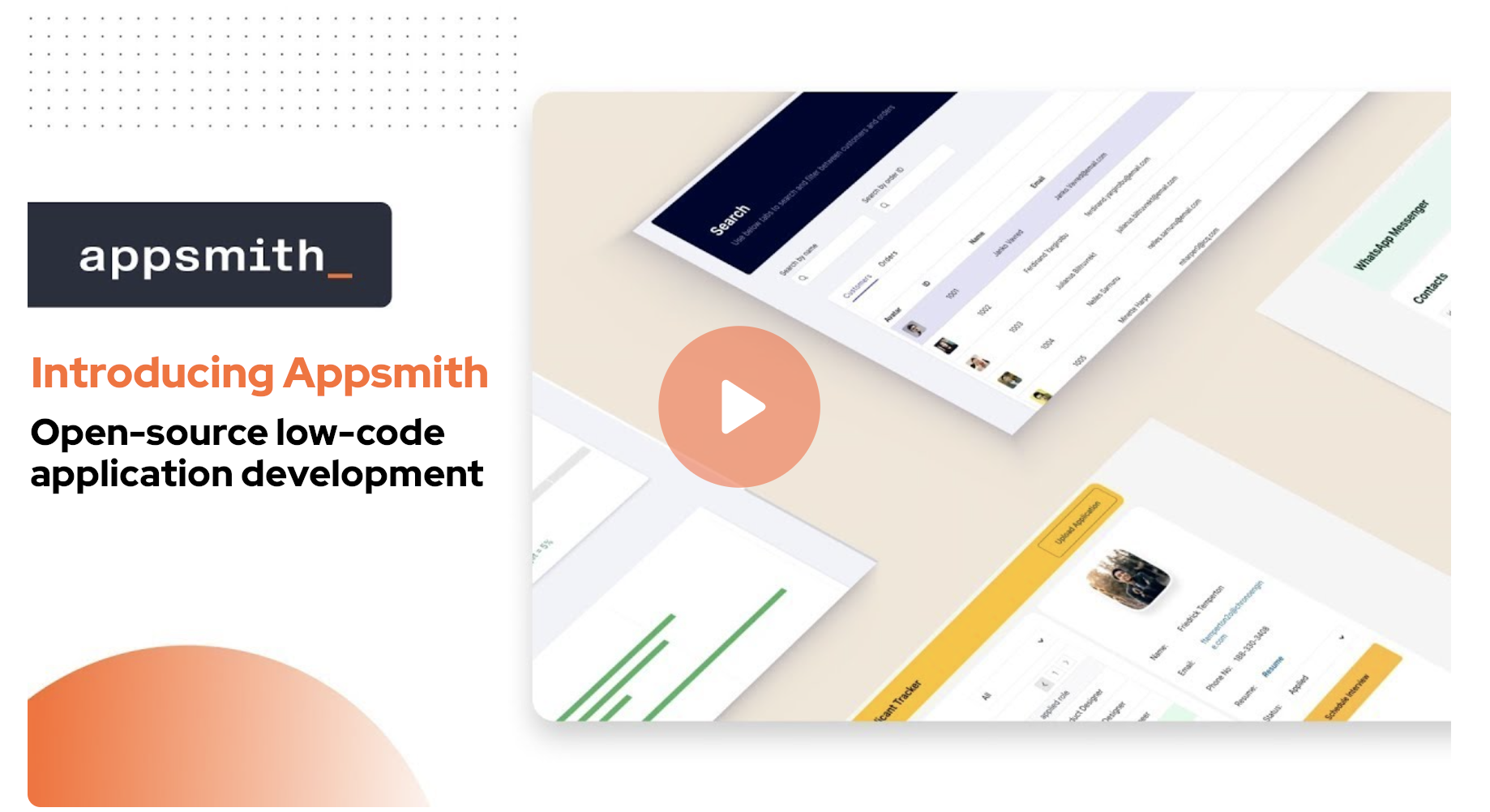
Organizations build custom applications like dashboards, admin panels, customer 360, IT automation, and service management tools to help their teams work more efficiently and effectively. Appsmith is an open-source low-code platform that streamlines custom application development, deployment, and maintenance. Learn more on our website.
Installation
There are two ways to start using Appsmith:
- Signup on Appsmith Cloud.
- Install Appsmith on your machine. See the installation guides below.
| Installation Methods | Documentation |
|---|---|
 |
Docker (Recommended) |
 |
Kubernetes |
 |
AWS AMI |
For other deployment options, see the Installation Guides documentation.
Development
To build and run Appsmith in your local dev environment, see Setup for local development.
Learning Resources
Need Help?
Appsmith Agents
Introducing a new agentic AI platform that integrates the latest AI models with private and proprietary data at scale — inside the tools and systems that teams use every day. Appsmith Agents expands generative AI’s capabilities for the millions of knowledge workers in sales, support, customer success, human resources, and other business teams. By giving continuous context to AI models, Appsmith Agents lets teams ask questions and configure automations specific to their business without model fine-tuning or complex RAG implementations. Visit appsmith.com/ai to learn more.
Contributing
We ❤️ our contributors. We're committed to fostering an open, welcoming, and safe environment in the community.
📕 We expect everyone participating in the community to abide by our Code of Conduct. Please read and follow it.
🤝 If you'd like to contribute, start by reading our Contribution Guide.
👾 Explore some good first issues.
Let's build great software together.
Top Contributors


License
Appsmith is licensed under the terms of Apache License 2.0.