 3d7a99e922
## Problem With the introduction of cloud billing and multi-organization support, users can now access Appsmith through organization-specific subdomains (e.g., `testorg.appsmith.com`). However, when users attempt to access non-existent domains (e.g., `domaindoesnotexist.appsmith.com`), the system fails to return a user object, causing the application to get stuck in an infinite loading state. ## 🔍 Root Cause The issue was in the `LandingScreen` component's conditional logic: ```tsx // Previous implementation ❌ if (props.user && window.location.pathname === BASE_URL) { if (props.user.email === ANONYMOUS_USERNAME) { return <Redirect to={AUTH_LOGIN_URL} />; } else { return <Redirect to={APPLICATIONS_URL} />; } } ``` **The problem:** When accessing a non-existent domain, `props.user` is `null`/`undefined`, causing the condition `props.user && window.location.pathname === BASE_URL` to evaluate to `false`. This prevented the redirect logic from executing, leaving users on a perpetual loading screen instead of being properly redirected to the login page. ## ✅ Solution Updated the conditional logic to handle cases where the user object is undefined: ```tsx // Fixed implementation ✅ if (window.location.pathname === BASE_URL) { if (!props.user || props.user.email === ANONYMOUS_USERNAME) { return <Redirect to={AUTH_LOGIN_URL} />; } else { return <Redirect to={APPLICATIONS_URL} />; } } ``` ### Key changes: 1. **Removed the `props.user &&` guard condition** - Now the redirect logic always executes when on the base URL 2. **Added explicit null/undefined check** - The condition `!props.user || props.user.email === ANONYMOUS_USERNAME` properly handles both scenarios: - When no user object exists (non-existent domains) - When the user is anonymous ## 📊 Impact | Scenario | Before | After | |----------|---------|-------| | Valid org domain + authenticated user | ✅ Redirects to applications | ✅ Redirects to applications | | Valid org domain + anonymous user | ✅ Redirects to login | ✅ Redirects to login | | **Non-existent org domain** | ❌ **Infinite loading screen** | ✅ **Redirects to login** | | Direct access to login URL | ✅ Works as expected | ✅ Works as expected | ## 🧪 Testing Scenarios This fix addresses the following scenarios in the cloud billing multi-org environment: - [x] Valid organization domain with authenticated user → Redirects to applications - [x] Valid organization domain with anonymous user → Redirects to login - [x] **Non-existent organization domain → Redirects to login (instead of infinite loading)** - [x] Direct access to login URL → Works as expected ## Automation /ok-to-test tags="@tag.Authentication, @tag.Sanity" ### 🔍 Cypress test results <!-- This is an auto-generated comment: Cypress test results --> > [!TIP] > 🟢 🟢 🟢 All cypress tests have passed! 🎉 🎉 🎉 > Workflow run: <https://github.com/appsmithorg/appsmith/actions/runs/15438685266> > Commit: afee6b1b89b3bf2c65290a1cef9355e72c1ab14e > <a href="https://internal.appsmith.com/app/cypress-dashboard/rundetails-65890b3c81d7400d08fa9ee5?branch=master&workflowId=15438685266&attempt=1" target="_blank">Cypress dashboard</a>. > Tags: `@tag.Authentication, @tag.Sanity` > Spec: > <hr>Wed, 04 Jun 2025 10:09:08 UTC <!-- end of auto-generated comment: Cypress test results --> ## Communication Should the DevRel and Marketing teams inform users about this change? - [ ] Yes - [ ] No <!-- This is an auto-generated comment: release notes by coderabbit.ai --> ## Summary by CodeRabbit - **Bug Fixes** - Improved user redirection on the landing screen to ensure users are correctly routed based on their authentication status. <!-- end of auto-generated comment: release notes by coderabbit.ai --> |
||
|---|---|---|
| .cursor | ||
| .github | ||
| app | ||
| contributions | ||
| deploy | ||
| scripts | ||
| static | ||
| .coderabbit.yaml | ||
| .deepsource.toml | ||
| .editorconfig | ||
| .env.example | ||
| .gitignore | ||
| .imgbotconfig | ||
| .nojekyll | ||
| app.json | ||
| appsmith_events.md | ||
| appsmith_templates.md | ||
| ci-debug.sh | ||
| CODE_OF_CONDUCT.md | ||
| CODEOWNERS | ||
| CONTRIBUTING.md | ||
| depot.json | ||
| Dockerfile | ||
| heroku.yml | ||
| IssuesReport.md | ||
| LICENSE | ||
| README.md | ||
| SECURITY.md | ||






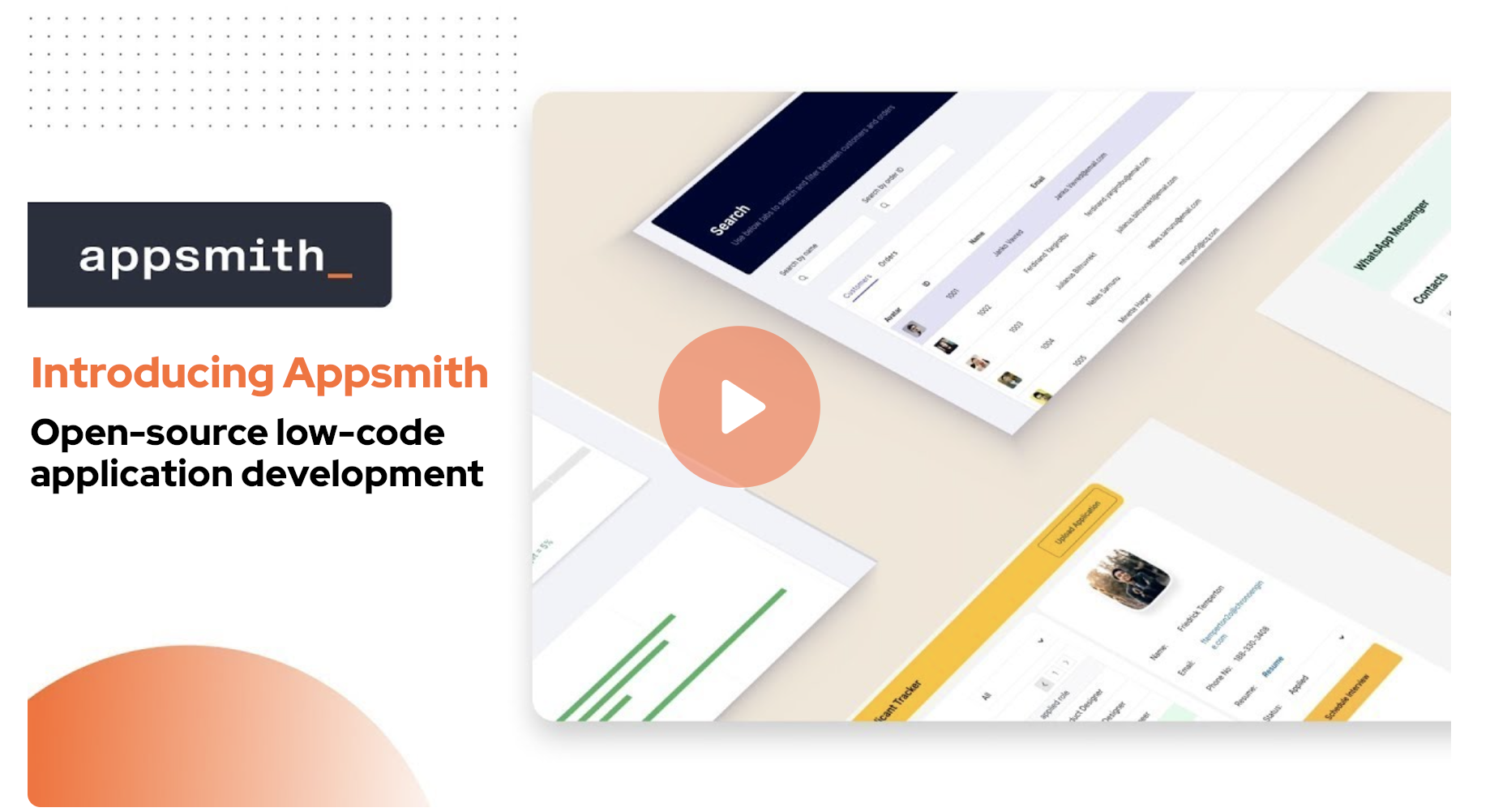
Organizations build custom applications like dashboards, admin panels, customer 360, IT automation, and service management tools to help their teams work more efficiently and effectively. Appsmith is an open-source low-code platform that streamlines custom application development, deployment, and maintenance. Learn more on our website.
Installation
There are two ways to start using Appsmith:
- Signup on Appsmith Cloud.
- Install Appsmith on your machine. See the installation guides below.
| Installation Methods | Documentation |
|---|---|
 |
Docker (Recommended) |
 |
Kubernetes |
 |
AWS AMI |
For other deployment options, see the Installation Guides documentation.
Development
To build and run Appsmith in your local dev environment, see Setup for local development.
Learning Resources
Need Help?
Appsmith Agents
Introducing a new agentic AI platform that integrates the latest AI models with private and proprietary data at scale — inside the tools and systems that teams use every day. Appsmith Agents expands generative AI’s capabilities for the millions of knowledge workers in sales, support, customer success, human resources, and other business teams. By giving continuous context to AI models, Appsmith Agents lets teams ask questions and configure automations specific to their business without model fine-tuning or complex RAG implementations. Visit appsmith.com/ai to learn more.
Contributing
We ❤️ our contributors. We're committed to fostering an open, welcoming, and safe environment in the community.
📕 We expect everyone participating in the community to abide by our Code of Conduct. Please read and follow it.
🤝 If you'd like to contribute, start by reading our Contribution Guide.
👾 Explore some good first issues.
Let's build great software together.
Top Contributors


License
Appsmith is licensed under the terms of Apache License 2.0.